



How to Protect Devices in a Hyperconnected World
How to Protect Devices in a Hyperconnected World

- Last Updated: March 26, 2026
Andrej Kovacevic
- Last Updated: March 26, 2026
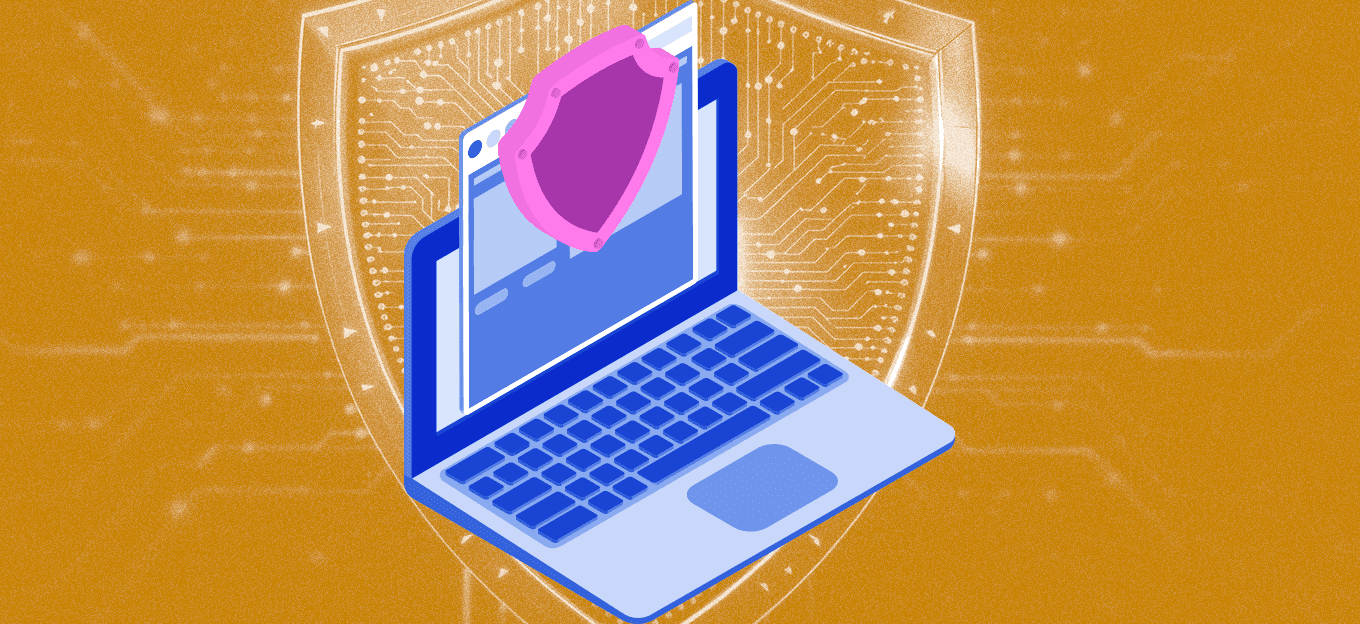
A glance at a typical router’s connected device list is often a shock. It’s rarely just laptops and smartphones anymore. Instead, it is a chaotic mix of gaming consoles, smart bulbs, voice assistants, and maybe even a refrigerator that insists on connecting to the internet.
This clutter represents a massive, sprawling attack surface. We aren't just defending a few computers; we are trying to secure a messy ecosystem where the weakest link might be a budget-friendly smart plug purchased on a whim.
Why We Can't Rely on Smart Devices to Protect Us
The biggest oversight in home security is assuming that smart gadgets are intelligent about self-defense. They usually aren't. Many IoT (Internet of Things) devices are essentially cheap, mass-produced computers with minimal security standards.
Manufacturers often rush them to shelves, prioritizing features over encryption. A hacker doesn't need to brute-force a complex PC password if they can simply waltz in through a vulnerability in a connected thermostat.
The fix here isn't necessarily expensive software; it is network segmentation. Most modern routers offer a Guest Network feature. Rather than using this for actual guests, it should be used as a quarantine zone for IoT gadgets. If a toaster or lightbulb gets compromised, the attacker remains trapped in that digital sandbox, unable to jump over to the primary network where sensitive banking data lives.
Filtering the Noise
Data leaving the home network faces a different set of threats, especially when connecting to public Wi-Fi at coffee shops or airports. This traffic is easily intercepted, making encryption tools like Virtual Private Networks (VPNs) essential. However, the VPN market is saturated with snake oil, i.e., services that promise total anonymity but actually track user data.
Finding a trustworthy tool requires looking past the flashy advertisements. This is where independent testing becomes critical. By following the cybersecurity experts' advice from VPNoverview, users can distinguish between legitimate security tools and data vacuums in disguise.
Why You Should Never Click "Update Later"
Technology can only do so much if the human operator leaves the back door open. The 'Update Later' button is perhaps the most dangerous button on any screen. It is annoying when a phone or router demands a restart in the middle of the day, but those updates are rarely about cool new emojis or interface tweaks. They are usually panic patches for security holes discovered the week prior.
Delaying a firmware update is essentially deciding to leave a broken window unrepaired. Security in this environment isn't about achieving perfection, because that’s impossible. It is about creating friction. By isolating cheap devices, vetting privacy tools, and applying patches immediately, a network becomes just difficult enough that cybercriminals will likely decide it’s too much work and move on to an easier target.
Staying safe doesn't require paranoia, just a shift in routine. By locking down the network and treating every new gadget with a bit of suspicion, we can enjoy the convenience of a connected home without leaving the digital front door wide open.

The Most Comprehensive IoT Newsletter for Enterprises
Showcasing the highest-quality content, resources, news, and insights from the world of the Internet of Things. Subscribe to remain informed and up-to-date.

New Podcast Episode

IoT Is Finally Delivering

Related Articles



Related Solutions

Long-Endurance Aerial Monitoring and Response
AI-powered analytics and mission-ready aircraft for public safety, maritime, search and rescue, and emergency response.
AI-powered analytics and mission-ready aircraft for public safety, maritime, search and rescue, and emergency response.
Iveda
Iveda
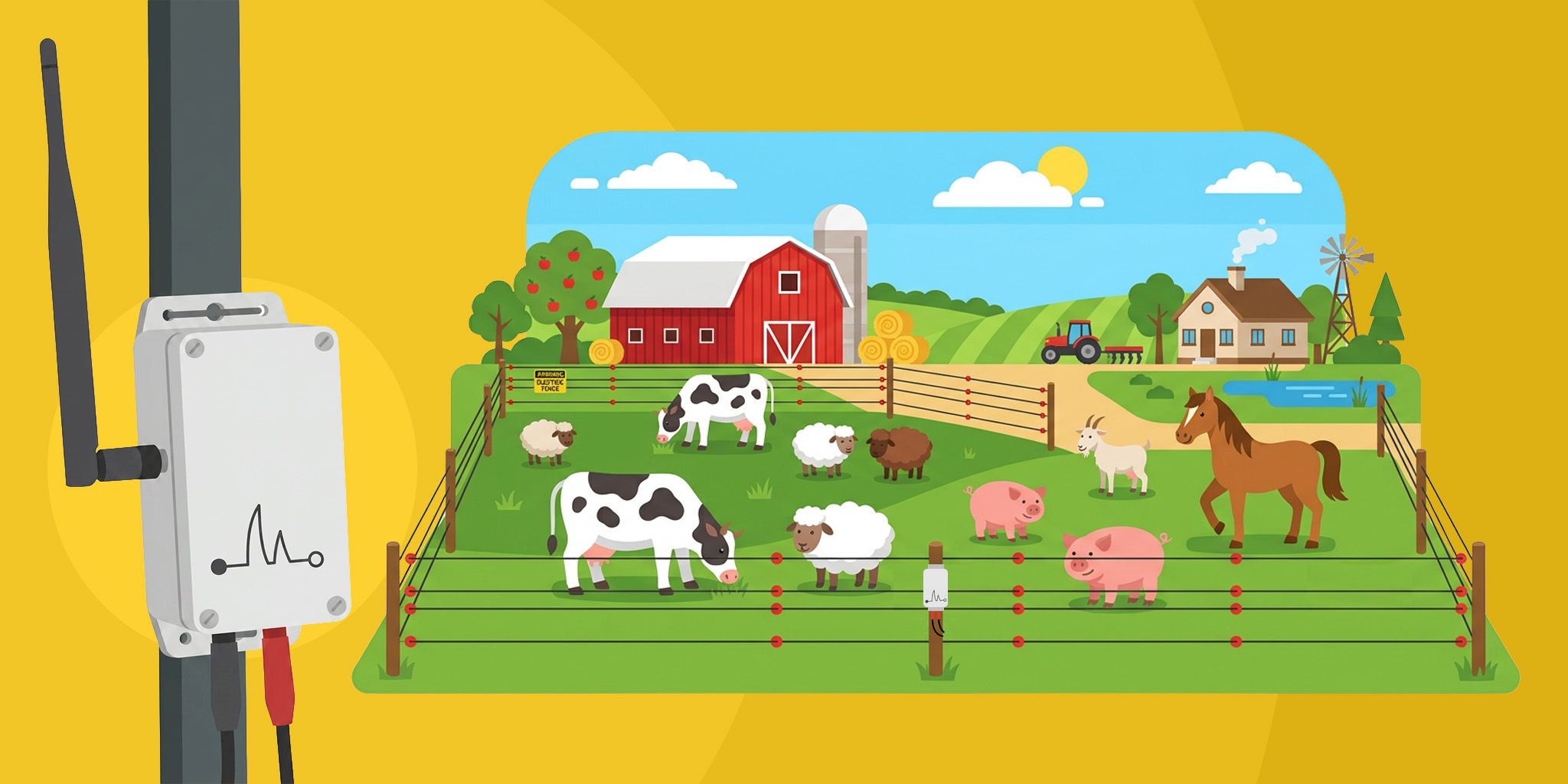
Electric Fence Monitoring for Agriculture
Solar-powered sensors detect faults, voltage drops, and tampering instantly. Receive alerts within minutes and secure your property.
Solar-powered sensors detect faults, voltage drops, and tampering instantly. Receive alerts within minutes and secure your property.
Safora
Safora

Child Safety Badges for Large Venues
Smart badges enable instant reunification, proactive alerts, and a safer, more trusted guest experience.
Smart badges enable instant reunification, proactive alerts, and a safer, more trusted guest experience.
Iveda
Iveda

Related Solutions
Maritime & Boating
Long-Endurance Aerial Monitoring and Response
AI-powered analytics and mission-ready aircraft for public safety, maritime, search and rescue, and emergency response.
Iveda
Agriculture
Electric Fence Monitoring for Agriculture
Solar-powered sensors detect faults, voltage drops, and tampering instantly. Receive alerts within minutes and secure your property.
Safora
Buildings & Facilities
Child Safety Badges for Large Venues
Smart badges enable instant reunification, proactive alerts, and a safer, more trusted guest experience.
Iveda